Audio-reactive visuals without code: how to tie an effect to the music
In TouchDesigner or a shader editor, making visuals react to sound means wiring an audio analyser to every parameter by hand and smoothing the numbers until they stop twitching. AVIZ does that analysis for you and lets you link any knob to the bass, the kick or the drop with one click. Here is what happens under the hood, and how to tune it so a scene feels tied to the track.
What the visuals listen to
AVIZ analyses the sound many times a second and turns it into a set of signals, each from 0 to 1. These are the ones you can link a parameter to:
- Bass, Mids, Highs and Level: how loud each part of the spectrum is right now.
- Kick: a short push on each detected beat. Drop: a very strong kick, the moment a track comes back in after a break.
- Energy: a slow, smoothed loudness that rises within about a second and falls over two or three, so it follows builds and breakdowns rather than single hits.
- Tempo, Beat phase and Bar (4 beats): where you are in the rhythm, for motion that loops with the bar.
- Key (circle of fifths) and Mode: minor → major: the harmony, useful for colour.
- Eight separate frequency bands from 30 Hz to 16 kHz, each with its own scale, for when Bass is too broad.
One click: Link to music
Select an effect and press Link to music in its settings. AVIZ looks at what each parameter does and links up to four of them by meaning: kicks go to pushes and jumps, energy to strength and glow, tempo to speed, bass to size, highs to colour. A small tag on the knob shows the source and the amount, for example Bass 0.25.
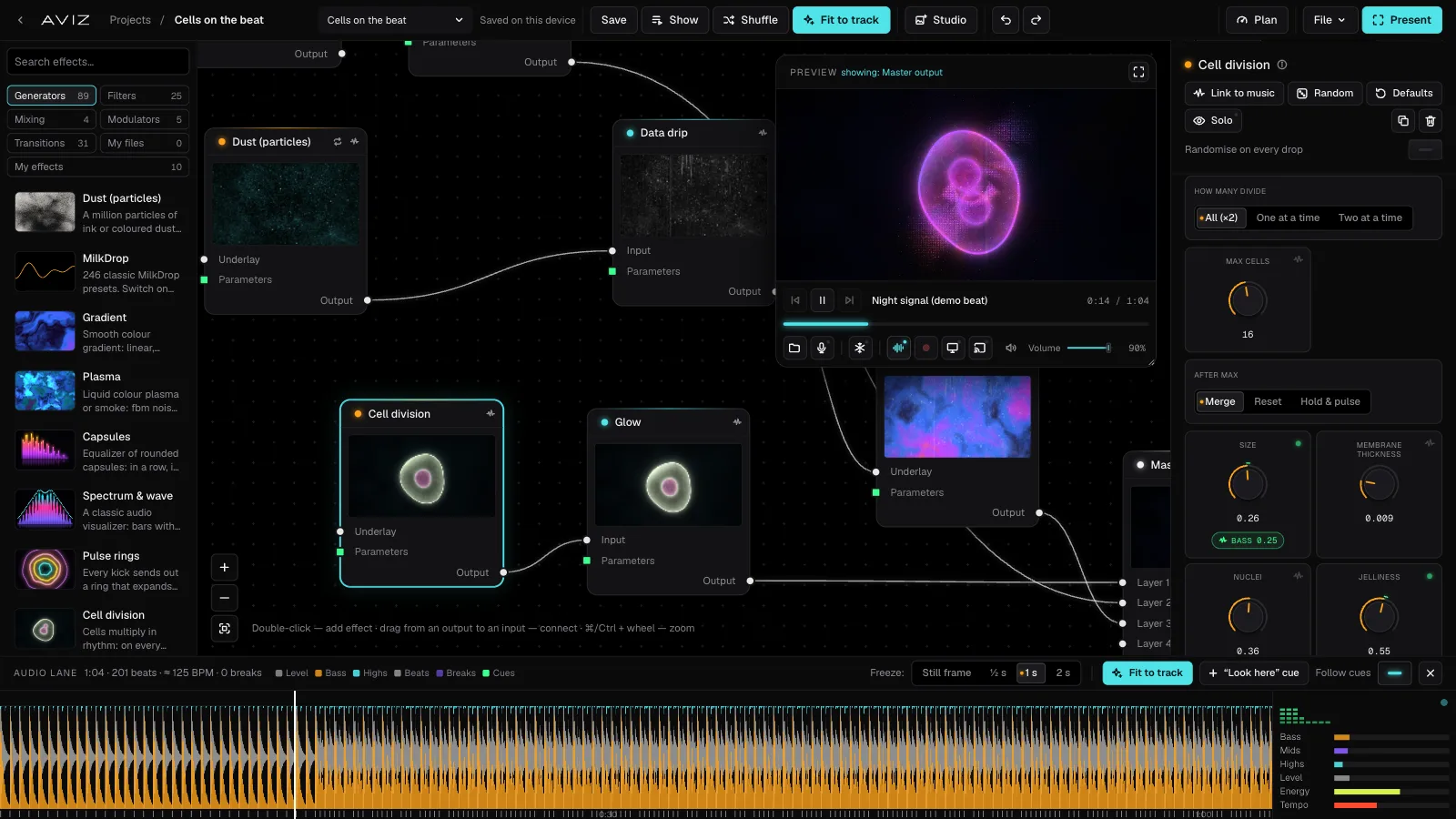
To link the whole scene at once, open Global settings (click an empty spot on the map) and press Link whole scene to music. It adds links only where there are none yet, so your own settings stay.
Link a knob by hand
- Click the small sound icon next to a knob to link it.
- Click the tag to choose the source: Bass, Kick, Energy, a single band and so on.
- Drag the tag to set the amount, from −1 to 1. A negative amount works in reverse: the shape shrinks on the bass instead of growing.
Start small. An amount of 0.2–0.3 on two or three parameters looks alive; 1.0 on everything looks like a broken television.
Make it feel right
Most “it doesn’t react” and “it flashes all the time” problems are solved in Global settings, not in the effect:
- Sensitivity: higher means a stronger reaction to quiet sound. Raise it for a microphone across the room, lower it for a loud line input.
- Kick threshold: lower catches more kicks. Raise it if the hi-hats and snares also trigger pushes.
- Drop threshold: a drop switches shapes, scenes and cues, so it should be rare. Raise it if scenes change too often.
- Music drives everything: the time of every effect runs with the music. It almost stops in silence, jolts on each kick and speeds up on builds. Turn it on and even effects with no links start breathing with the track.
Beyond the sound
Some motion shouldn’t follow the music exactly. Modulators are small nodes that produce a value over time: LFO wave (sine, triangle, saw, square or smooth noise), Random (a new value on a kick, a drop or over time), Steps (a pattern of 8 values that steps on the beat), Audio (bass, mids, highs, level, kick or drop as a signal) and Transform, which inverts, smooths, boosts or clips another signal. Drag from a modulator’s green output to any parameter. A slow LFO on the hue plus a kick on the scale is a classic pair: the colour drifts, the shape hits.
Compared with building it yourself
In node environments such as TouchDesigner you build this chain yourself: audio input, spectrum analysis, beat detection, smoothing, then a link to each parameter. That gives full control and takes an evening to get right. In AVIZ the chain is already there for all effects, so the evening goes into the look. If you later want hands-on control too, add a MIDI controller for the parameters you want to ride yourself.
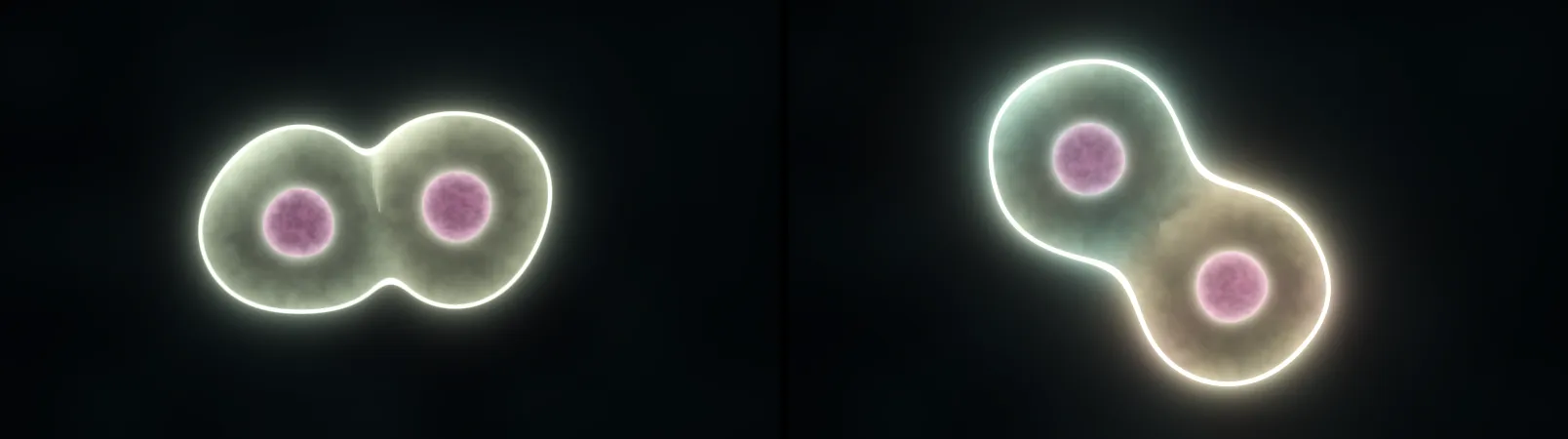
Want to see it straight away? Open Cell division with a track: the cells divide on every kick.