How to start VJing: the gear, the software and your first set
A VJ runs the visuals at a gig the way a DJ runs the music. You don’t need a rack of hardware to begin: a laptop, a cable and software that reacts to sound will get your first visuals onto a club screen. This guide covers what to bring, which software fits a beginner, and how to prepare so the night goes smoothly.
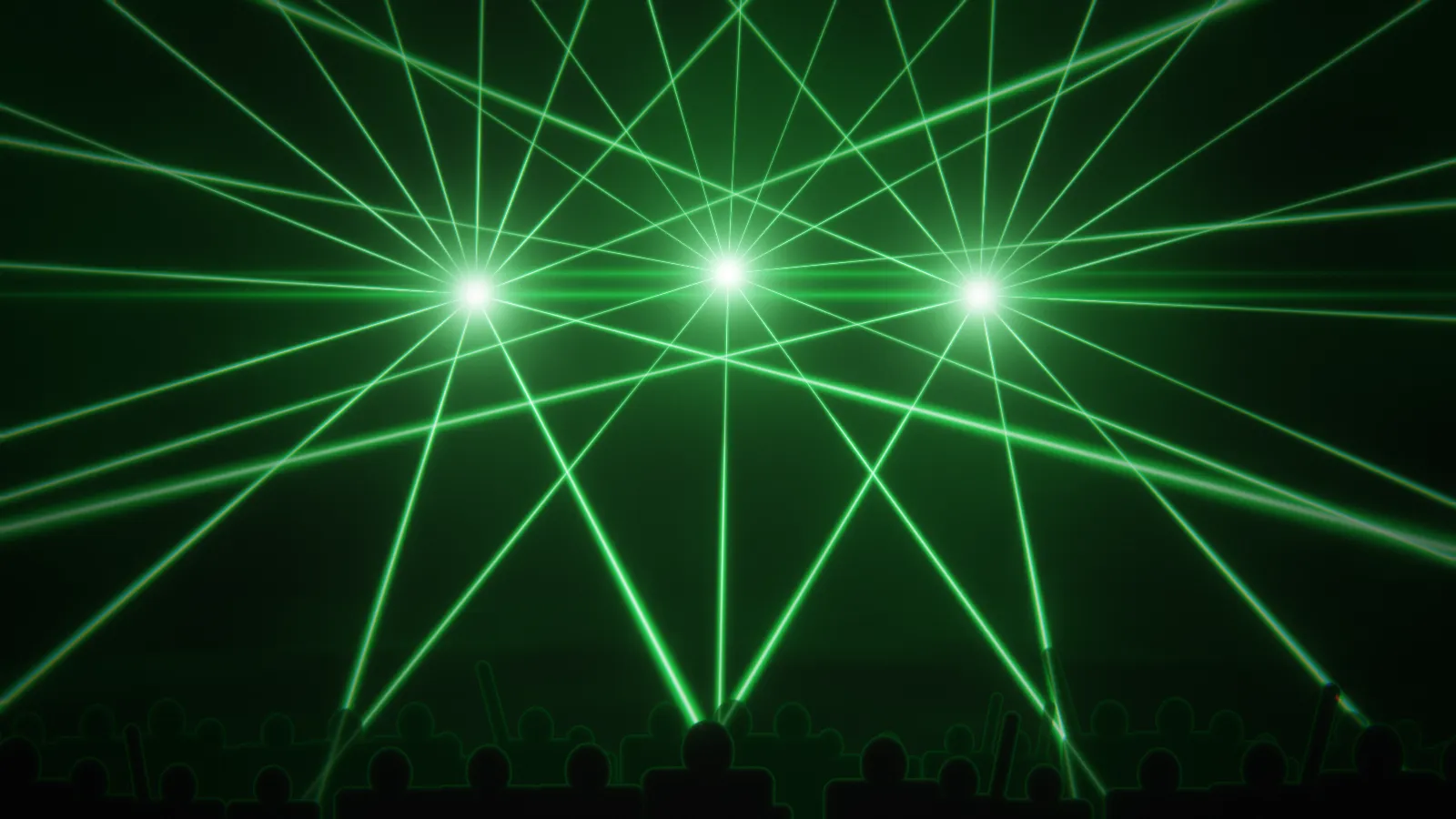
What a VJ actually does
On a typical night the VJ sits next to the DJ or at the front of house, takes the sound from the mixer and plays visuals on a projector or an LED wall. Some VJs mix pre-made video loops by hand; others play generative scenes that follow the music by themselves and only steer them at the big moments. Beginners usually do better with the second approach: the visuals stay in time even while you are still learning the controls.
The gear
- A laptop from the last few years. The graphics chip draws the visuals, so a recent Mac with Apple silicon or a Windows laptop with a decent GPU is enough.
- A video cable: HDMI, plus a USB-C adapter if your laptop needs one. Bring a long cable and a spare; the projector is often far from the booth.
- The sound. Ask for a feed from the mixer’s booth or record output into an audio interface. If the DJ plays from the same laptop, the visuals can listen to it directly.
- A MIDI controller is optional. A small one with eight knobs and a few pads is plenty for switching scenes and nudging colours.
Which software to start with
The main options differ in how much you build by hand:
- Resolume (Mac and Windows) is the club standard for mixing video clips live, with projection mapping in its Arena edition.
- VDMX runs on Mac only and is built around a modular, customisable layout.
- TouchDesigner is a node-based environment for building your own systems, free for non-commercial use, with a steep learning curve.
- Synesthesia plays real-time shader scenes that react to audio.
- AVIZ runs in Chrome or Edge with nothing to install and as an app for Mac. Its 114 effects follow bass, kicks and drops on their own, and the Free plan has all of them.
A detailed comparison with prices is in AVIZ vs Resolume vs Synesthesia. Many VJs end up combining tools, for example AVIZ for audio-reactive layers sent into Resolume over Syphon or NDI®.
Prepare your first set
- Pick four to six scenes. Start from templates in AVIZ, such as Lasers over the crowd, Tunnel at speed or Cell division, change the colours to suit the night and save them.
- Plan the energy. Calm scenes for the warm-up, fast and bright ones for the peak. A screen that flashes at full power for four hours tires people out.
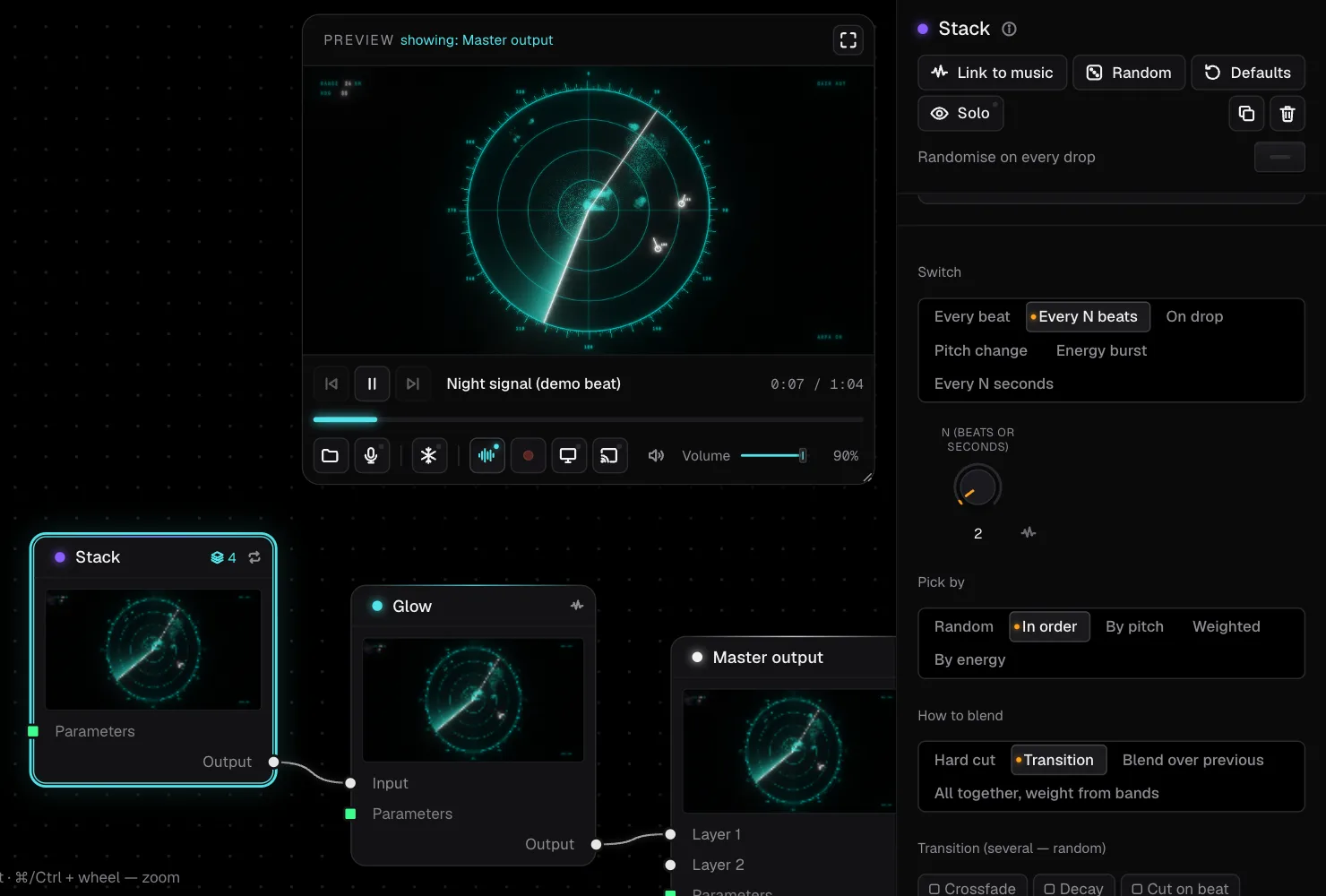
- Build a Show. A Show plays your saved scenes in order and switches on drops or every few bars, with transitions that land on the downbeat. It keeps the screen alive while you take a break.
- Map a controller if you have one: a pad for the next scene, one for freeze, a knob for the brightness of the main effect. The MIDI guide shows how.
- Rehearse with a real mix. Play an hour of music at home and watch how the scenes behave. Raise the Kick threshold in Global settings if they flash too often, lower it if they miss the kicks.
At the venue
- Arrive early and connect while the room is empty. Check the screen’s resolution and shape: a wide LED strip needs different scenes from a 16:9 projector.
- In the browser, open Screen / TV → Open the output window, drag it to the projector and press F. In the Mac app, the output opens full screen on the display you pick.
- Open AVIZ before doors. It needs a connection to load, then renders on your laptop, so the scene keeps running if the Wi-Fi drops mid-set.
- Plug the laptop into power and turn off sleep and notifications.
The cable-by-cable setup for a DJ booth is in the guide to DJ visuals on a projector.
After the first night
Once the basics work, add your own loops (how to make VJ loops), learn to build scenes from nodes, and try streaming the visuals to more screens. Visuals that react on their own let you spend the night watching the room instead of the laptop, which is most of the job.