Phonk and wave visuals: neon kanji, drift and the night city
Phonk edits and wave mixes share a look: Japanese characters in neon, a car sliding through a wet night, a single word that slams into the frame on the kick. AVIZ has seven effects built for that look, with words whose meanings were checked, so the kanji on your cover don’t say something odd. Pick a scene, drop in the track, export vertical for an edit or wide for YouTube.
The seven effects
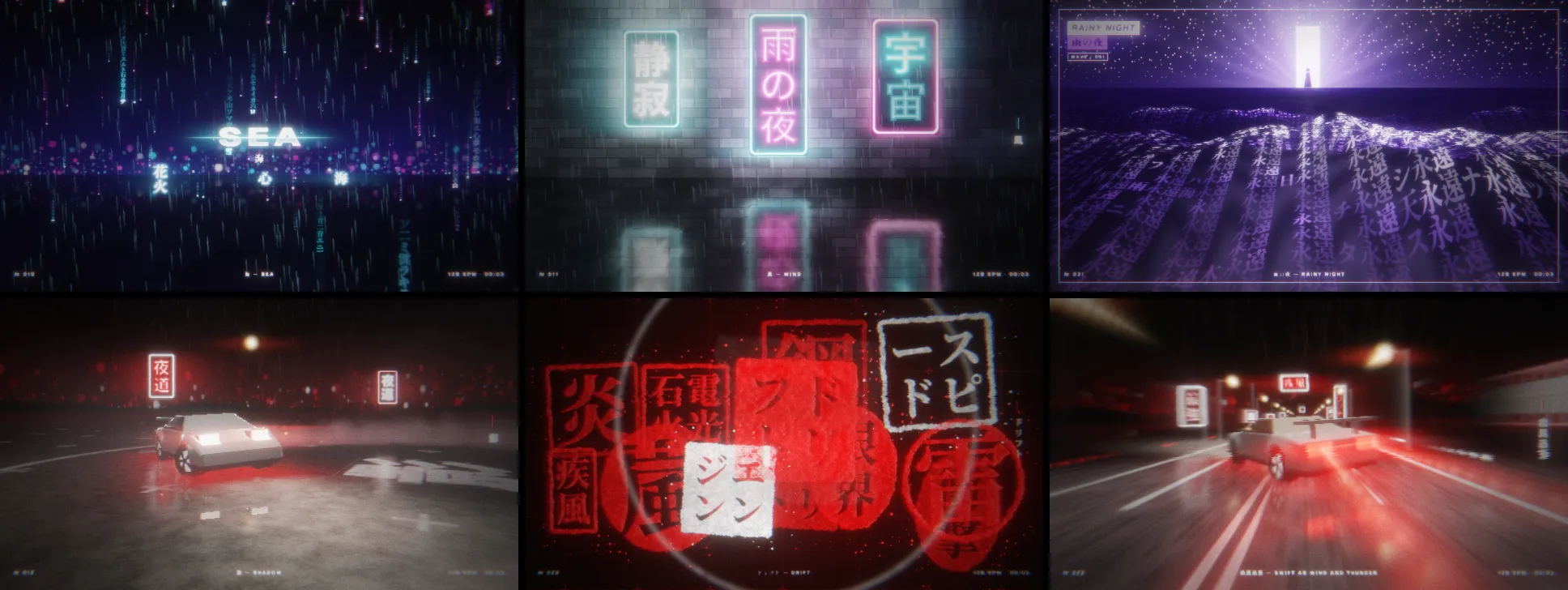
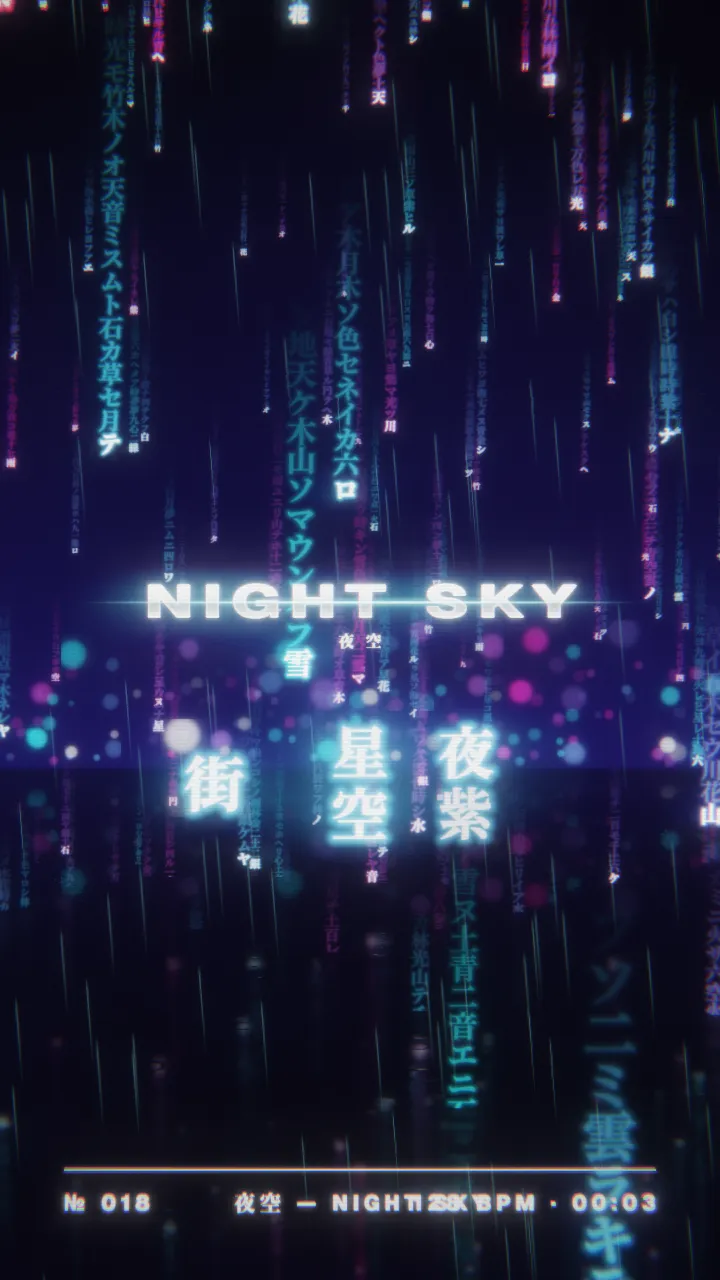
- Kanji rain: columns of characters falling in 3D with depth of field over wet asphalt. On the beat a word in the middle decodes itself.
- Neon sign: glowing tubes on a brick wall or a street of shop fronts. Some tubes flicker like faulty ones, and a new word lights up on the beat.
- Kanji wave: a sea of character tiles in perspective, a door of light or a moon on the horizon, and a wave that changes the word as it rolls.
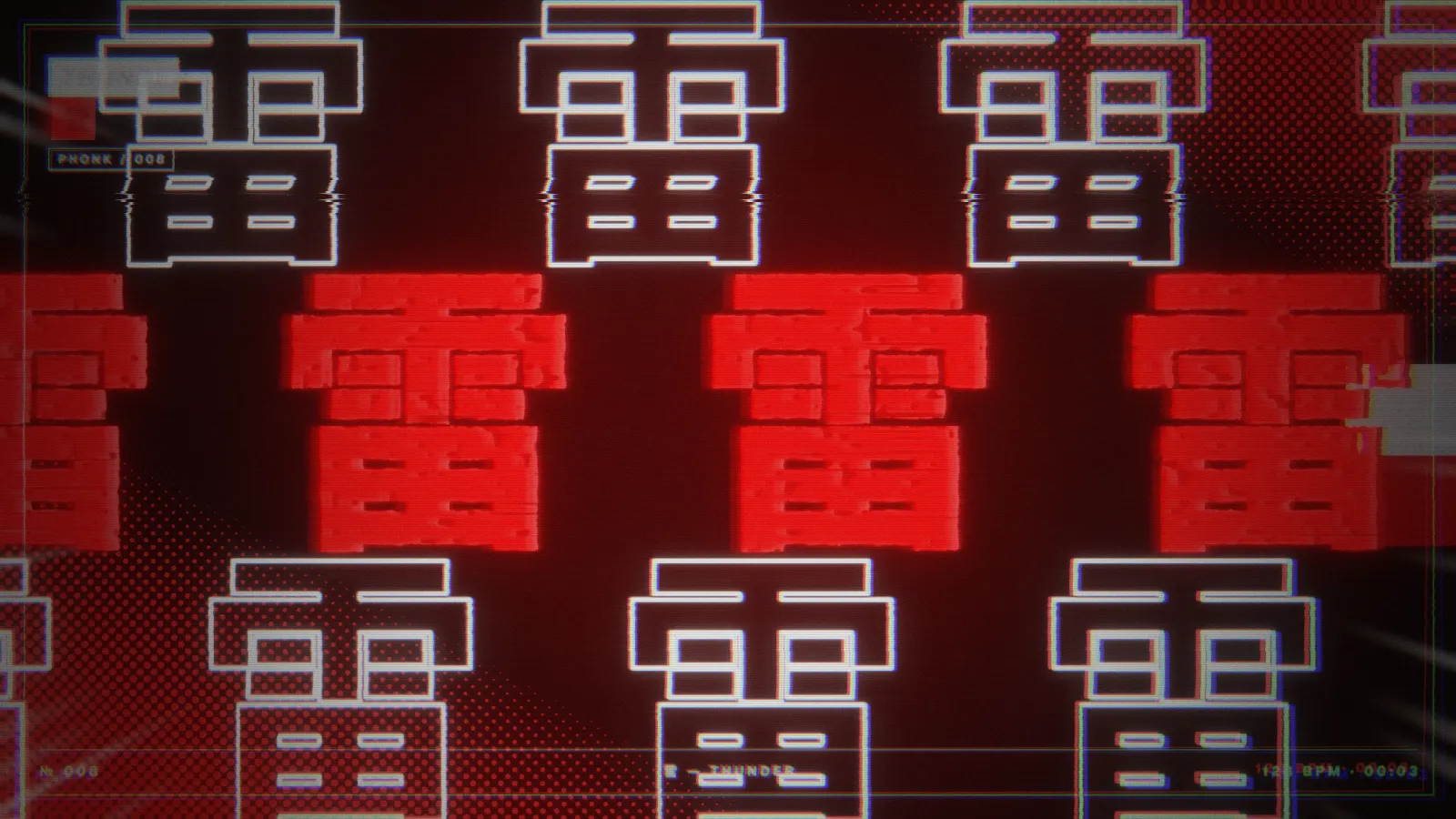
- Phonk punch: huge characters filling the frame, with zoom, shake, outline echoes and speed lines on every kick, in four layouts.
- Strobe stamp: hanko seals stamped in ink that fades, framed or carved, on paper or on black.
- Drift road: a night road with signs, street lamps and car lights, characters painted on the asphalt, and a slide on the drop.
- Drift: a coupe spinning donuts and figure eights on a wet lot, smoke from the bass, tyre marks, and four camera angles that switch on the drop.
The car is a generic 80s–90s coupe silhouette with no maker’s logo or the lines of a real model, so it is safe to publish.
Step 1: start from a scene
Open one of the templates and play your track: Phonk Hit for edits, Phonk Drift and Night Drift for the car, Tokyo Rain, Neon Kanji and Kanji Sea for wave, Red Seals for a harder, printed look. Each has its bindings to the music already set.
Step 2: choose the words
Select the effect and open Word set. There are five sets: wave in Japanese and in simplified Chinese (night, rain, the city, dreams), phonk in both (speed, the night road, impact), and a mixed one. Every word has a checked meaning, and the sets leave out politics, religious symbols, brands, band and song names, and fictional characters.
To write your own, choose Your text and type the words into Your words (space-separated). New word sets when the next one appears: every beat, every bar, on the drop or over time. Font switches between sans, black sans and a serif (Mincho) style.
Step 3: the cover look
Cover artwork adds what you see on wave and phonk covers: Label plates, a Wide wordmark in chrome with a light streak and kana under it, or a Frame and marks with a technical line showing the word, its meaning in the interface language and the live BPM. Your title replaces the word with your artist name or track title.
All seven effects share the finishing pass: glow, chromatic aberration, VHS, scan lines, grain, flash, strobe and shake. Turn VHS and grain up for an old tape, keep them low for a clean neon look.
Step 4: export for an edit or a channel
- Edit for TikTok, Reels or Shorts. In File → Export video and frames… choose 9:16 and 1080p (1080×1920), keep the track’s sound, and cut the length to the part of the song you use. The scenes fill a vertical frame without empty bars.
- YouTube upload or mix. 16:9 at 1080p or, on Pro and Studio, 4K. A long mix renders frame by frame and takes a while, so start it before a break.
- Background for your own edit. Turn off the sound and export a clean 8 or 16-bar loop, as in the VJ loops guide, then cut to it in your editor.
Free exports 720p with a small watermark and is for personal use. A monetised channel or a release needs Pro or Studio. The same scene also makes a Spotify Canvas: 9:16, 3 to 8 seconds.
Use music you can publish
Phonk edits often use someone else’s track. AVIZ doesn’t license music: the visuals are yours, the song belongs to its rights holders. For your own releases there is no question; for anything else, check what the platform and the label allow.