A free music visualizer online: what you can do without paying
Most free visualizers either limit you to a handful of looks or hide the export behind a paywall. AVIZ Free has every effect and every template, works in the browser with no account, and exports video. It also has limits, and it’s better to know them before you spend an evening on a scene. This page lists both.
What Free includes
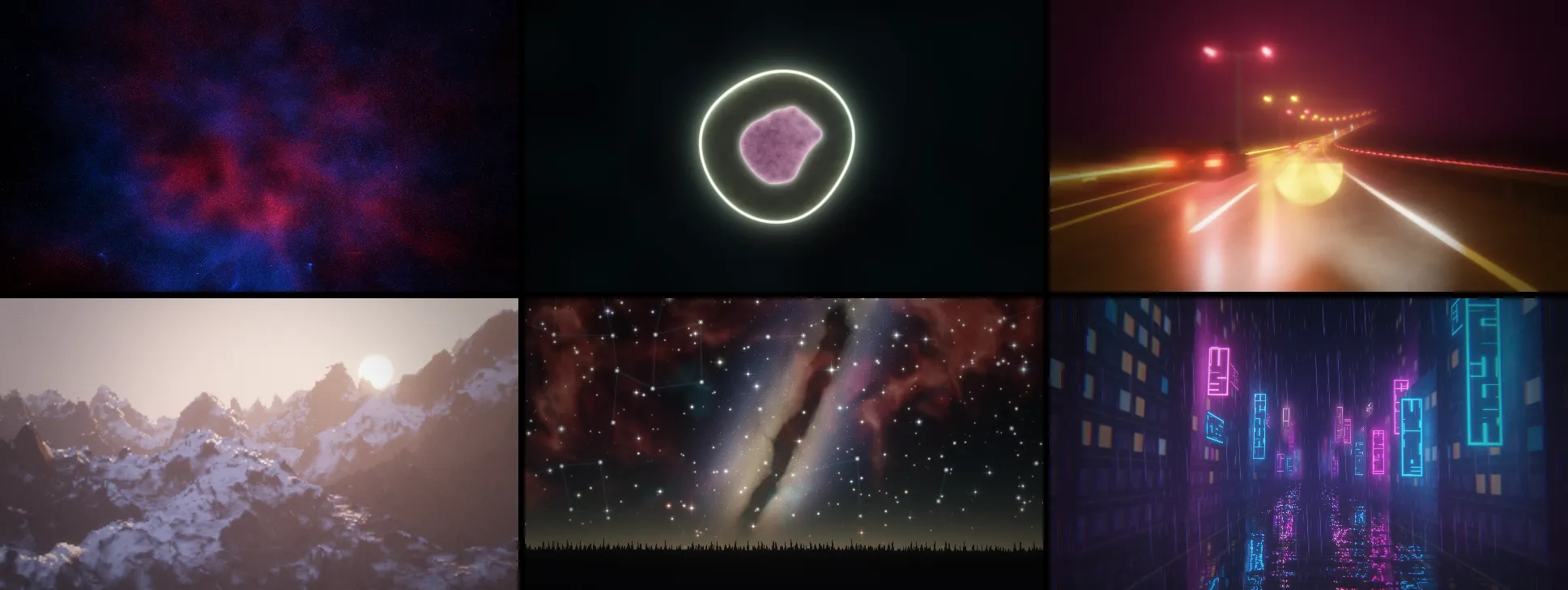
- Every effect and template. 114 effects (89 generators and 25 filters), 31 transitions and 117 ready scenes. Nothing is locked to a paid plan.
- No install and no account to start. Open app.aviz.studio in Chrome or Edge on a laptop or desktop. The Mac app is free to download too.
- Any sound source. A track file, a microphone or interface, audio from another browser tab, internet radio, or system audio in the Mac app.
- Live output. Full screen, or an output window on a second monitor, projector or TV over a cable.
- Video export. MP4 or WebM in 16:9, 9:16, 1:1 or 4:5, with the track’s sound, rendered frame by frame from the file.
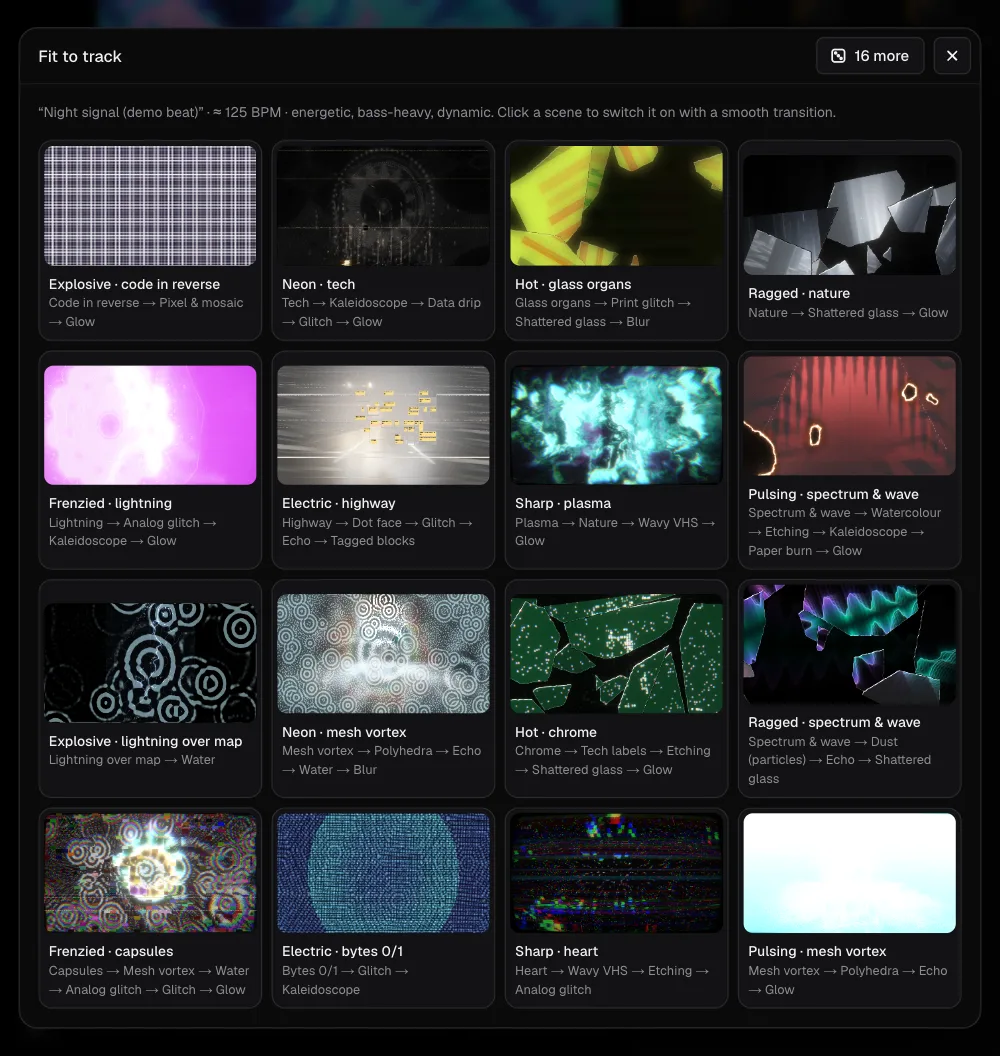
- Fit to track. AVIZ reads the tempo and character of your song and offers 16 scenes made for it.
Where Free stops
- Personal use only. A monetised channel, a release, client work or a paid gig needs Pro, Studio or the founder licence. The License for exports spells it out.
- Export up to 720p with a small AVIZ watermark. Pro and Studio export up to 4K without it.
- Up to 3 files of your own (images, video, 3D models) in My files.
- Scenes stay on this device. The cloud that syncs your library to other computers comes with Pro (10 GB) and Studio (100 GB).
- No streaming by link to phones, tablets and TVs; that is a Pro and Studio feature.
Pro costs $12 a month or $96 a year. There’s no trial clock on Free, so try everything first and pay only when you need one of the things above.
Your first visualizer in five minutes
- Open AVIZ and drop a track into the window.
- Press Fit to track and pick one of the 16 scenes, or start from a template such as Dust on paper, Cell division or Capsule equaliser.
- Select a node and change its palette or knobs while the track plays. Press Link to music if something should react more.
- Open File → Export video and frames…, pick the frame for your platform and export.
The step-by-step version for YouTube, Reels and TikTok is in the guide to visualizer videos. For classic bars or a ring around your cover, see the audio spectrum guide; for the old Winamp look, MilkDrop in the browser.
Is it really free?
Yes. Free costs nothing and doesn’t expire. Nothing you make is deleted if you never upgrade, and you can export your whole library to a file at any time. Tracks you play are analysed on your computer and never uploaded.