AVIZ, Resolume or Synesthesia: which one for music visuals
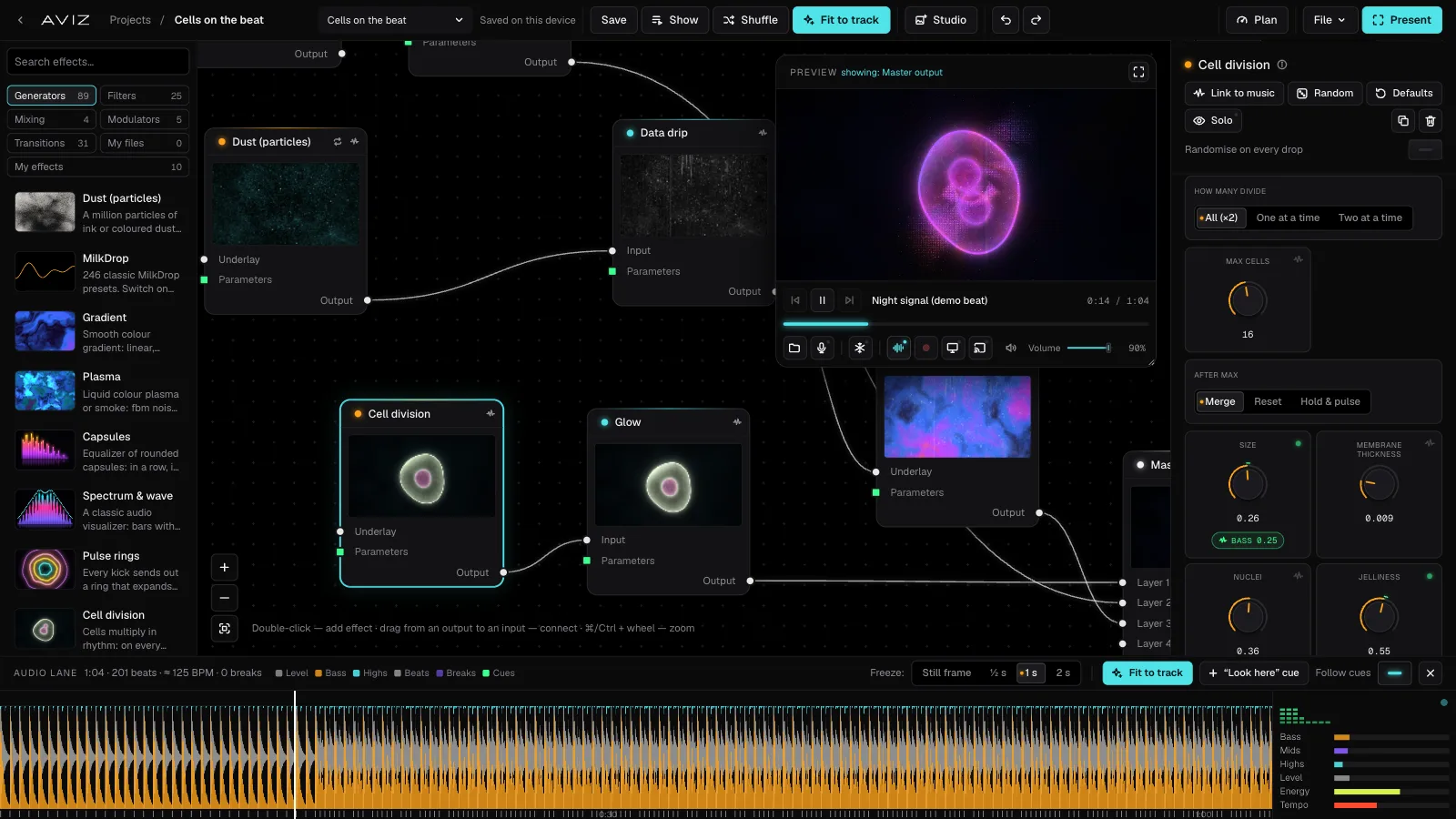
All three put moving pictures on a screen in time with music, and they come at it from different sides. Resolume is a live video mixer, Synesthesia is a library of real-time shader scenes, AVIZ is a node-based visualizer that follows the track by itself and runs in the browser. Here is how they compare, with the facts each company publishes.
The short version
- Resolume if you perform visuals: you trigger clips by hand from a MIDI controller, mix video loops, and in Arena map them onto surfaces or drive DMX lights.
- Synesthesia if you want a large set of ready shader scenes, MIDI control, and a licence you pay for once.
- AVIZ if you want visuals that follow the track without anyone at the controls, need to render videos for releases and social media, want to send the picture to TVs by link, or simply can’t install software on the machine.
Side by side
| AVIZ | Resolume Avenue / Arena | Synesthesia | |
|---|---|---|---|
| Price | Free; Pro $12/mo or $96/yr; Studio $29/mo or $240/yr; founder licence $128 once | €299 / €799 per computer, with 12 months of updates | Standard $199 (1 device), Pro $399 (2 devices); the licence doesn’t expire but syncs online every 30 days |
| Without paying | Free plan: every effect, 720p export with a watermark, personal use | Trial with the Resolume logo on the output and a robot voice in the audio | Unlimited trial with the Synesthesia logo on the output |
| Runs on | Browser (Chrome, Edge) on Mac and Windows; app for Mac with Apple silicon | macOS, Windows | macOS, Windows |
| How it works | Effects as nodes on a map; any value follows bass, kicks, drops or energy | Clips and effects in a composition; FFT makes them respond to sound | Real-time shader scenes that react to audio; imports Shadertoy and ISF shaders |
| Controllers | MIDI (knobs, faders, pads) in Chrome, Edge and the Mac app; no OSC | MIDI and OSC | MIDI and OSC |
| Syphon / NDI® | Mac app from aviz.studio | Supported | Pro licence |
| Projection mapping, DMX | No | Arena | Not listed |
Prices and features of Resolume and Synesthesia are from resolume.com and synesthesia.live as of 10 November 2026. Check them before you buy: they change.
Where Resolume is stronger
Resolume is built for a person performing visuals. You load video loops into a grid, launch them with a controller, layer effects and crossfade between decks, the way a DJ mixes tracks. Arena adds projection mapping with edge blending for several projectors and colour output to DMX fixtures. If that is your job, AVIZ doesn’t replace it; it can feed it, as a Syphon or NDI source.
Where Synesthesia is stronger
Synesthesia ships with around eighty built-in scenes and a marketplace for more, takes MIDI and OSC, and can import Shadertoy and ISF shaders, which suits people who write GLSL. Its licence is paid once. Syphon, Spout and NDI come with the Pro licence.
Where AVIZ is stronger
It runs by itself, on the music
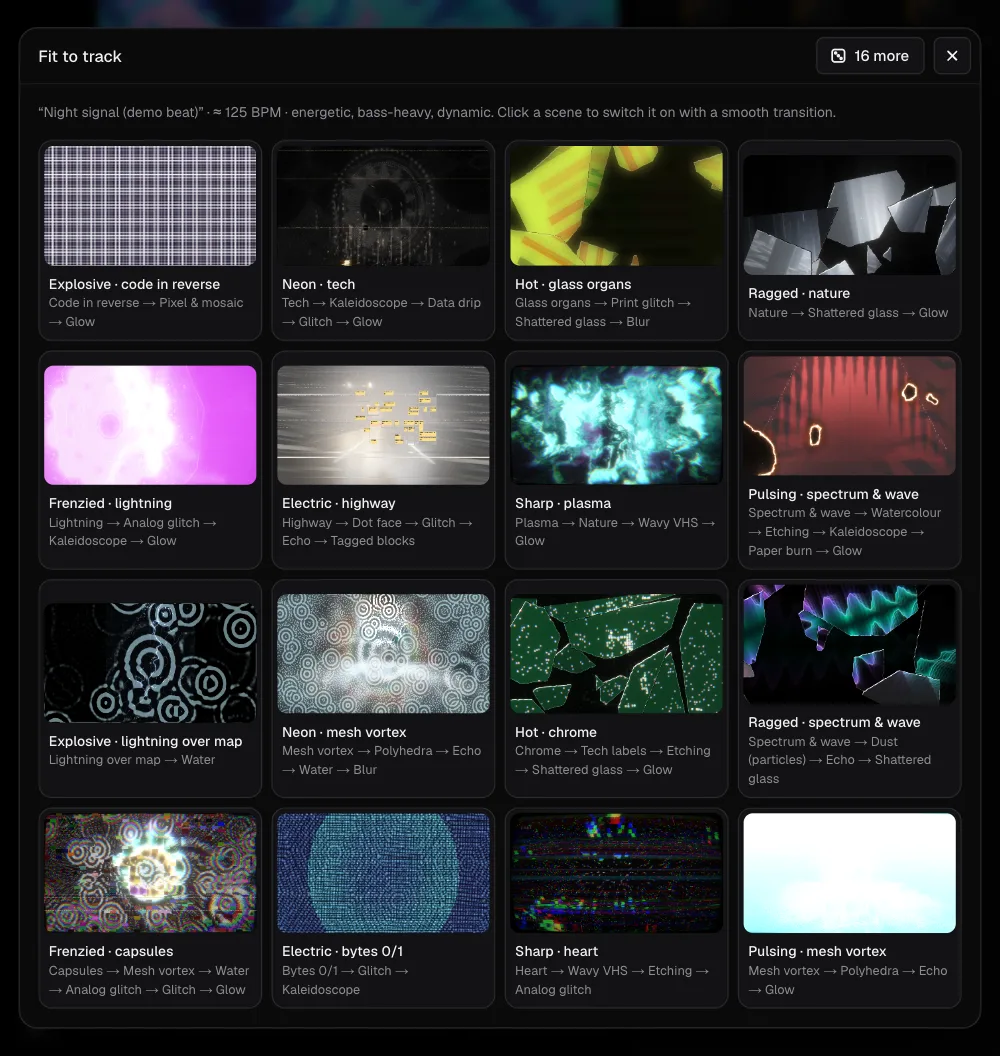
AVIZ is meant to need no operator. Effects listen to bass, kicks, drops and energy; a Stack or a Show switches scenes on drops or every few bars, and every transition lands on the downbeat. A DJ can play a two-hour set with visuals behind them and never touch the laptop.
It renders videos, frame-accurate
Export renders every frame from the track file, so beats land exactly even on a slow laptop: MP4 or WebM in 16:9, 9:16, 1:1 or 4:5, up to 4K on Pro, with the track’s sound or a transparent background. That covers visualizer videos for YouTube and Reels and a Spotify Canvas from the same scene you play live.
It sends the picture anywhere
Besides the output window for a projector, AVIZ can stream to phones, tablets and TVs by a link or QR code: up to 5 screens on Pro and 10 on Studio, with nothing to install on them.
Nothing to install, low cost to start
Open app.aviz.studio in Chrome or Edge and it works, on a school computer or a borrowed laptop. Free has every effect. Pro costs $12 a month, and the cloud (10 GB on Pro, 100 GB on Studio) keeps scenes and shows the same on every machine.
Where AVIZ falls short today
- No OSC, so show-control software can’t drive it. A MIDI controller works: Learn MIDI maps knobs and pads to any parameter.
- No projection mapping onto shapes, no DMX.
- On Windows it runs only in the browser; the app is for Mac with Apple silicon.
- In the browser it works best in Chrome and Edge; Safari and Firefox support is in progress.
Using them together
The choice isn’t either-or. A common setup is AVIZ on a Mac making audio-reactive layers, sent over Syphon or NDI into Resolume, where the VJ mixes them with their own clips and maps the result. The DJ gets visuals that follow the music, and the VJ keeps the controller in hand.