Send audio-reactive visuals to Resolume, OBS and TouchDesigner with Syphon and NDI®
If you already mix in Resolume, stream with OBS or build shows in TouchDesigner, AVIZ doesn’t have to replace any of it. The Mac app can hand its output to those programs as a live video source: a layer that follows the music, ready to be keyed, mapped or mixed with everything else.
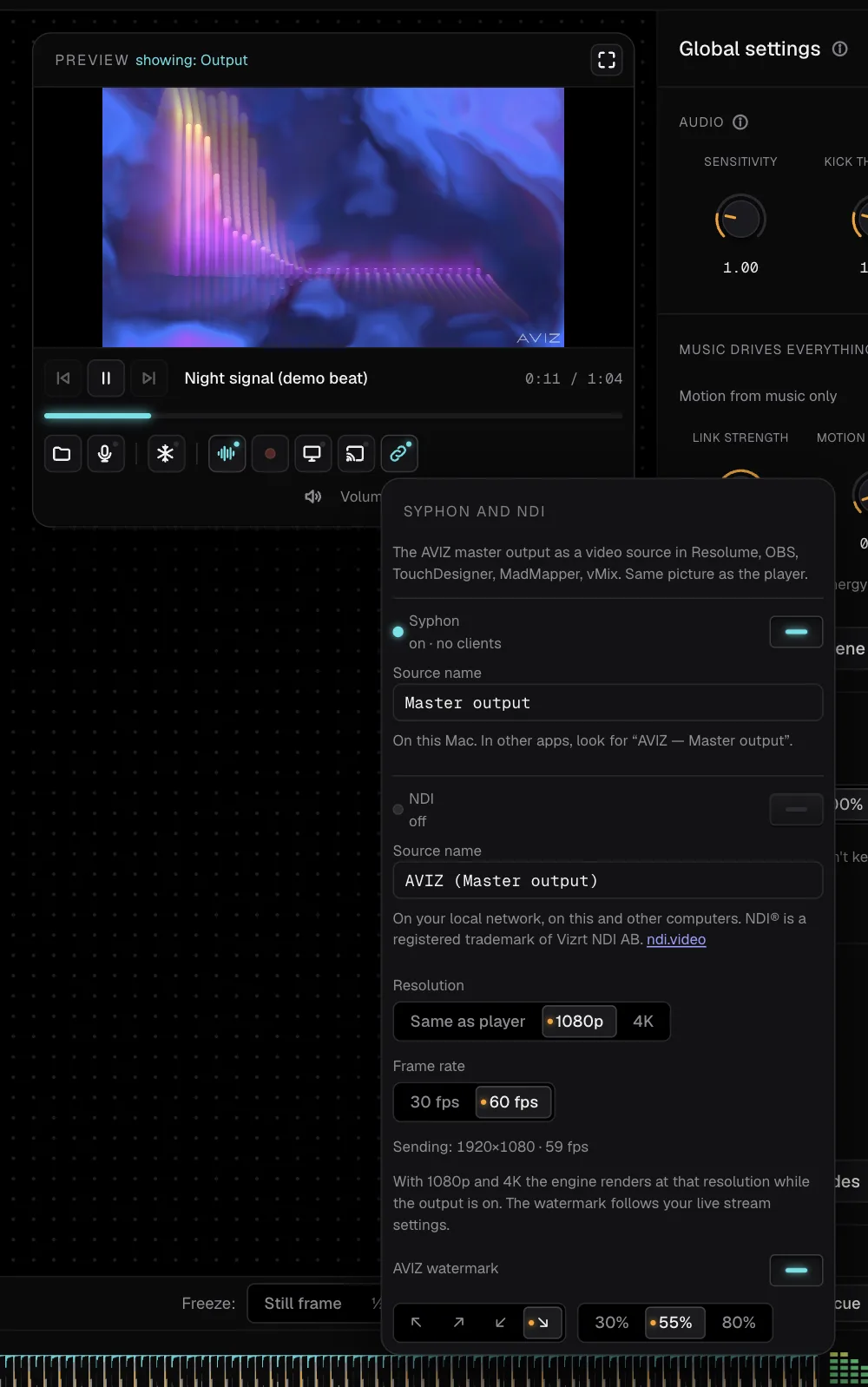
Syphon or NDI: which one
- Syphon shares frames between apps on the same Mac through the graphics chip. It adds almost no delay and doesn’t touch the network. Use it when AVIZ and Resolume, OBS or TouchDesigner run on one machine.
- NDI® sends video over the local network. Any computer on the same network can pick it up, including a Windows PC running vMix or Resolume. Use it when the visuals and the mixing happen on different machines.
AVIZ can send both at once, with separate switches and source names.
What you need
- AVIZ for Mac, downloaded from aviz.studio. Syphon and NDI are in this version only; the browser can’t do either, and the Mac App Store version doesn’t include them.
- A Mac with Apple silicon (M1 or newer) and macOS 13 or later.
- A receiving app with Syphon or NDI support. Resolume, TouchDesigner, MadMapper and vMix have it built in; OBS has Syphon on macOS and NDI through the DistroAV plugin.
Turn it on in AVIZ
- Open a scene and give it sound: a track, or Listen to system audio to follow whatever plays on the Mac (macOS 14.2 or later).
- Press Syphon and NDI in the player.
- Switch on Syphon, NDI or both. Rename the sources if you like; by default they are Master output and AVIZ (Master output).
- Pick the size: Same as player, 1080p or 4K, and 30 or 60 fps. The panel shows what is going out, for example “Sending: 1920×1080 · 60 fps”, and how many clients or receivers are connected.
The first time NDI starts, macOS asks whether AVIZ may find devices on the local network. Allow it, or receivers on other computers won’t see the source.
With 1080p or 4K selected, the engine renders at that size while the output is on. On an M1 Pro, 1080p at 60 fps goes out steadily over Syphon and NDI together. 4K takes far more processor time, so choose it only when the receiver really shows 4K. The AVIZ watermark, if you turned it on for live streaming, appears here too.
Receive it
Resolume Avenue and Arena
Open the Sources tab in the browser panel. AVIZ appears under Syphon (on the same Mac) or NDI (anywhere on the network). Drag it onto a clip slot and trigger it like any clip: add effects, blend it with your loops, or map it in Arena.
OBS Studio
On the same Mac, add a Syphon Client source and choose the AVIZ server. From another computer, install the DistroAV plugin with the NDI runtime, add an NDI Source and pick AVIZ from the list. Either way you get a stream background that changes with the music, with no window capture. The OBS guide also covers window capture and transparent overlays.
TouchDesigner
Use a Syphon Spout In TOP on the same Mac or an NDI In TOP for the network, and select the AVIZ source. From there it is a texture like any other: feed it into your network, composite it, send it to a projector.
MadMapper and vMix
MadMapper lists AVIZ among its Syphon and NDI inputs, ready to map onto surfaces. vMix runs on Windows, so it takes AVIZ over NDI: add an NDI input and choose the source from the Mac.
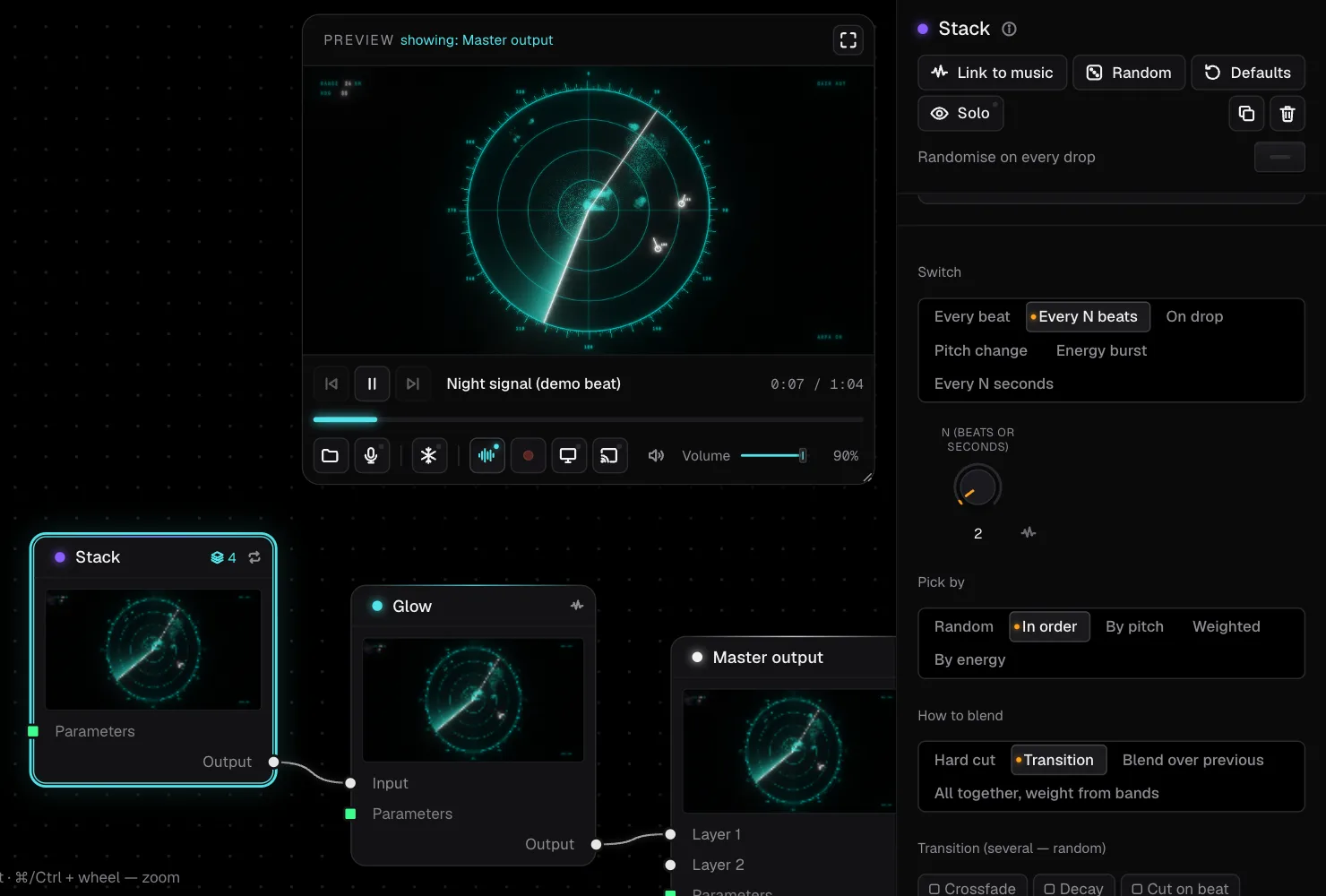
Why use AVIZ as a source
The picture is already driven by the music: kicks, drops, bass and energy move it without a MIDI controller or hand-made FFT mappings. The node map lets you shape a scene in a few minutes, a Stack or a Show keeps it changing over a whole set, and the VJ keeps full control in the program they know. A designer can prepare scenes at home in the browser, and they sync to the Mac at the venue through the cloud on Pro and Studio.